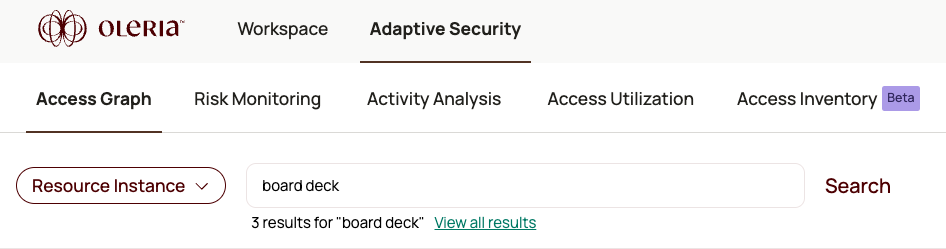

Access Graph currently shows the top 5 search results. To see all results, select View all results to open the Access Inventory page.
Search by accounts
Enter the account email
Type the account email address. A list of matching application account nodes displays.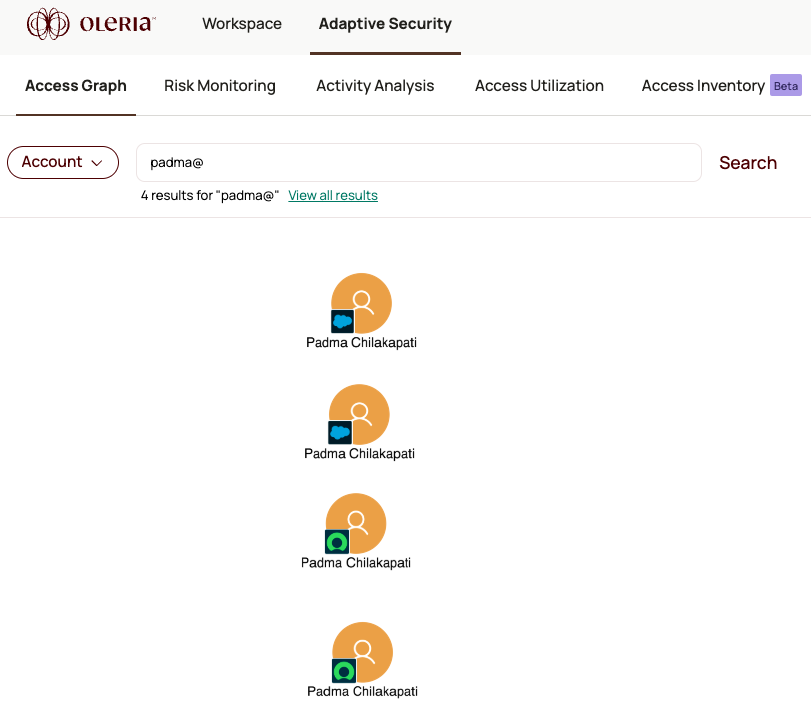
If the email address contains reserved characters, wrap it in double quotes. Example:
"demo-salesforce-group+anthonylee@oleria.com"Search by resource instances
Select the Resource Instances search type
In the search bar, select Resource Instances from the dropdown menu.
Enter the resource instance name
Type the resource instance name. A list of matching resource instance nodes displays.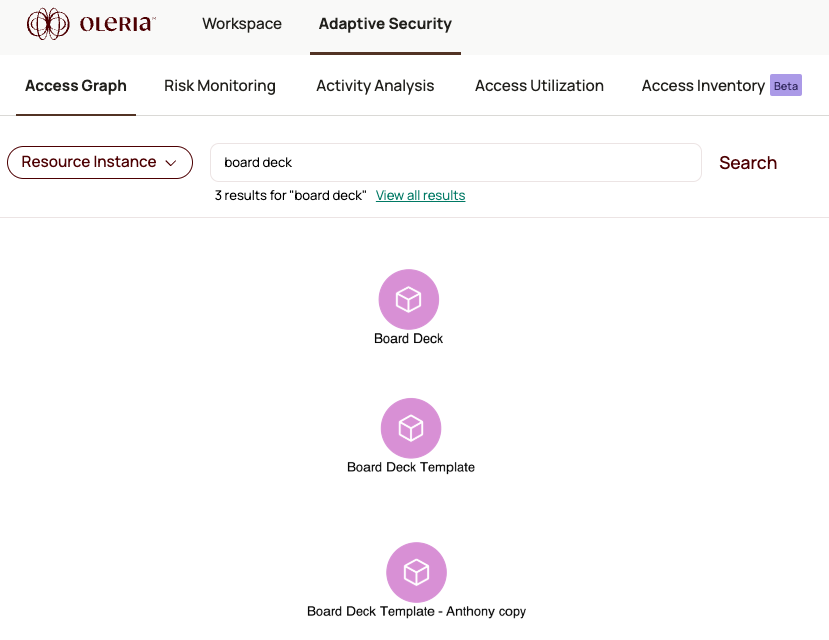
View all results
If there are more than 5 matches, select View all results to open the full list in the Access Inventory page.