Invitations expire after seven days. If a user did not accept their invitation in time, you can resend it to give them a new link.
Open Manage Users
Log into the Oleria workspace. Select your avatar in the upper right corner, then choose Manage Users from the dropdown.
Select the user
Click the row for the user whose invitation you want to resend.
Click Resend invite
Select Resend invite.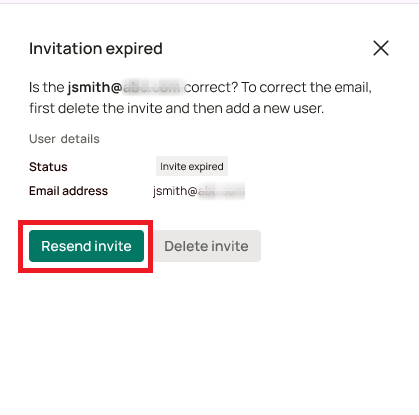
Confirm the action status
A status notification confirms the invite was resent. The user’s status returns to Invited.
If the email address was incorrect, delete the user before resending an invite.