

Activity details table
The table lists each recorded action with the following fields:| Field | Description |
|---|---|
| Timestamp | The date and time when the activity occurred. |
| Activity type | The category of activity, e.g., admin_login_attempt, drive_access. |
| Activity | The specific action performed, e.g., “Anthony Lee downloaded Board Deck.” |
| Account name | The name of the account holder, e.g., Anthony Lee. |
| Initiated by | The user or machine account that initiated the activity, e.g., anthony@pando.com. |
| IP address | The IP address associated with the activity. |
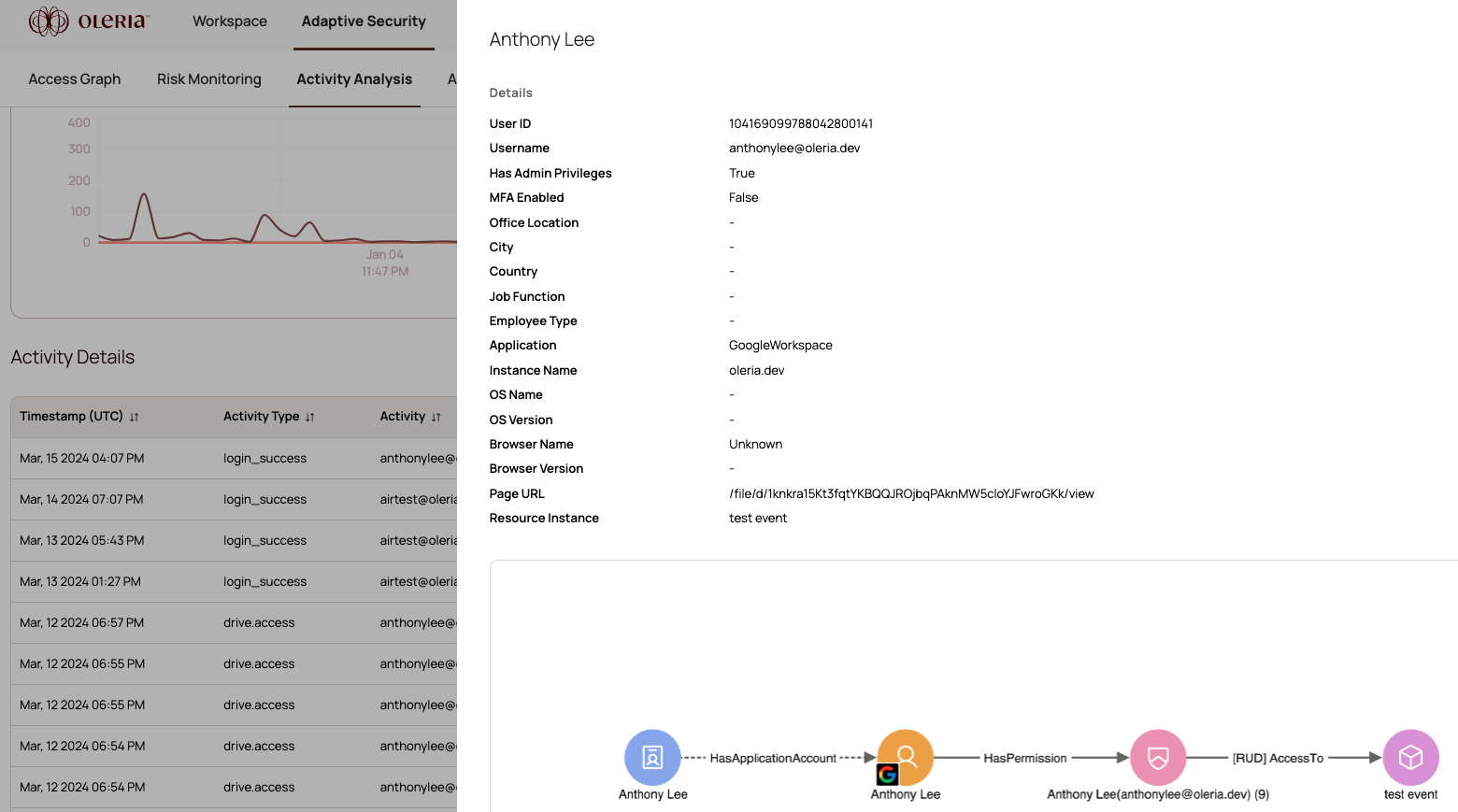
Side panel fields
| Field | Description |
|---|---|
| User ID | The unique identifier for the user. |
| User name | The unique username for the account. |
| Has admin privileges | Whether the user has administrator privileges. |
| MFA enabled | Whether multi-factor authentication (MFA) is enabled for the user. |
| Office location | The user’s office location. |
| City | The city from which the user accessed the application. |
| Country | The country from which the user accessed the application. |
| Job function | The job function assigned to the account. |
| Employee type | The user’s categorization based on role, employment status, or hierarchy. |
| Application | The application the account has access to, e.g., Salesforce. |
| Instance name | The specific application instance, e.g., salesforce.prod. |
| OS name | The operating system used when accessing the application. |
| OS version | The version of the operating system. |
| Browser name | The browser used when accessing the application. |
| Page URL | The URL of the resource instance. |
| Resource instance | The name of the resource instance involved in the activity. |