

Open Manage Users
Log into the Oleria workspace. Select your avatar in the upper right corner, then choose Manage Users from the dropdown.
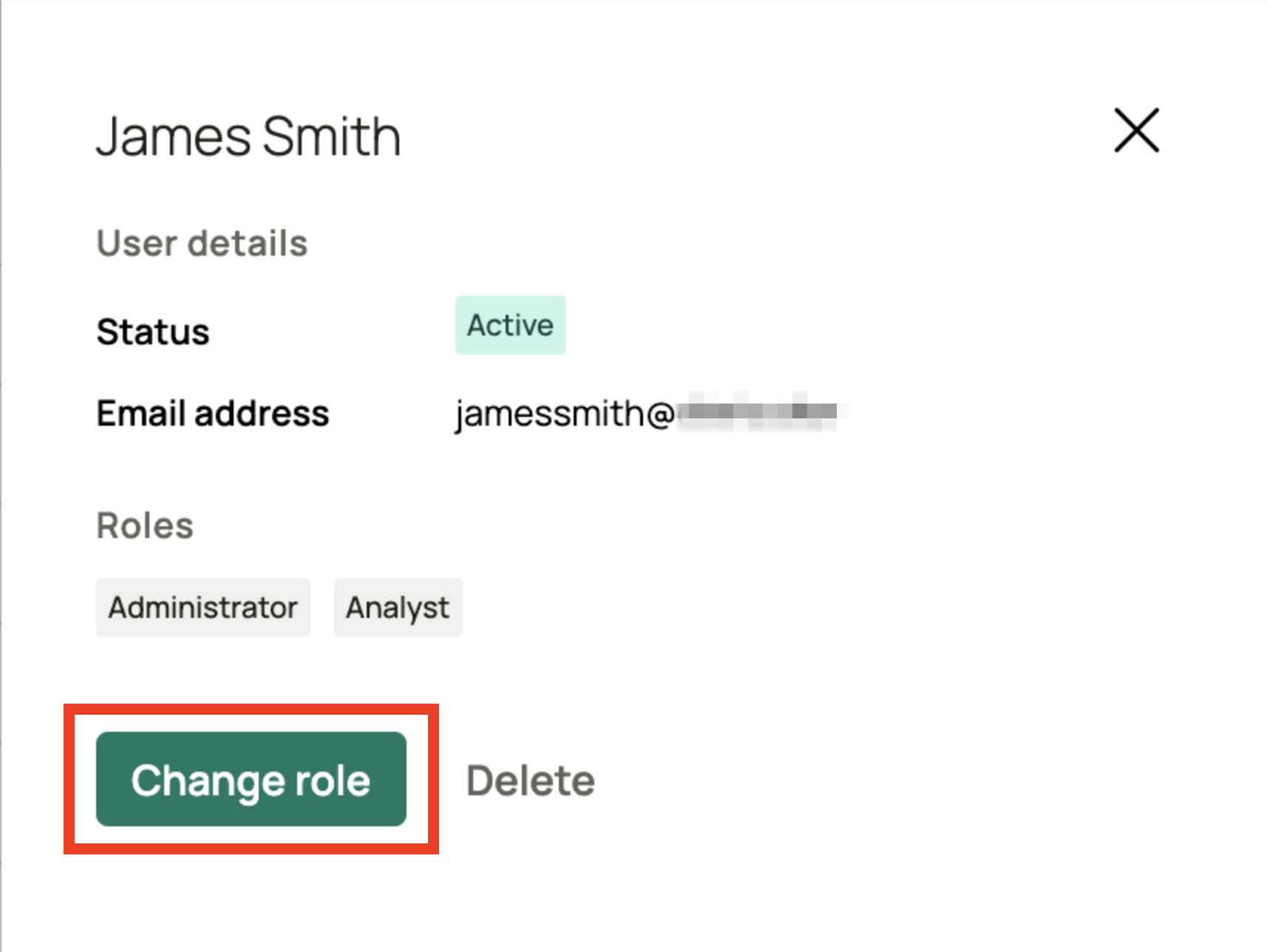
Select the new role
In the dialog, select the new role for the user. See Default user roles for a description of each role.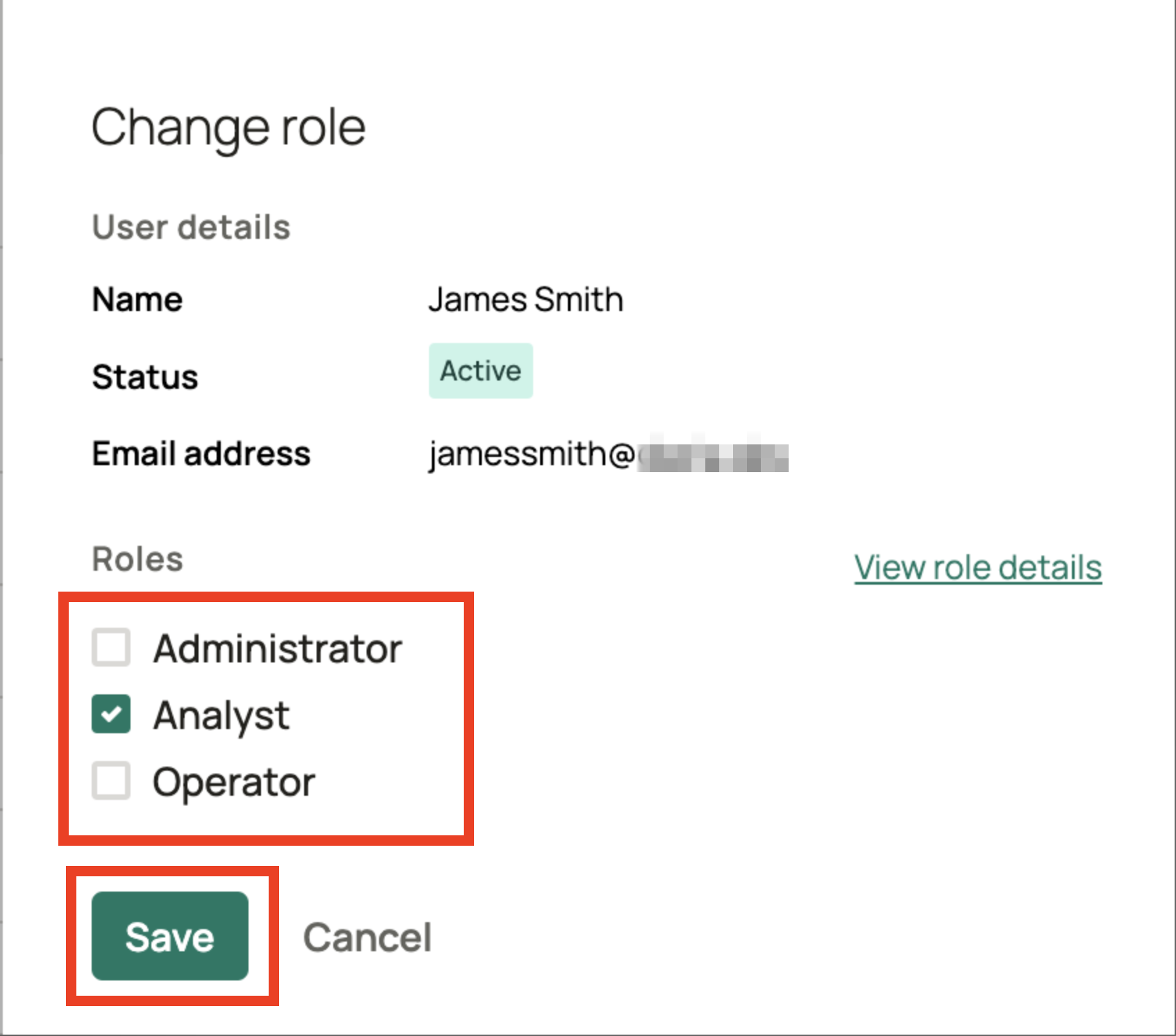
.png)