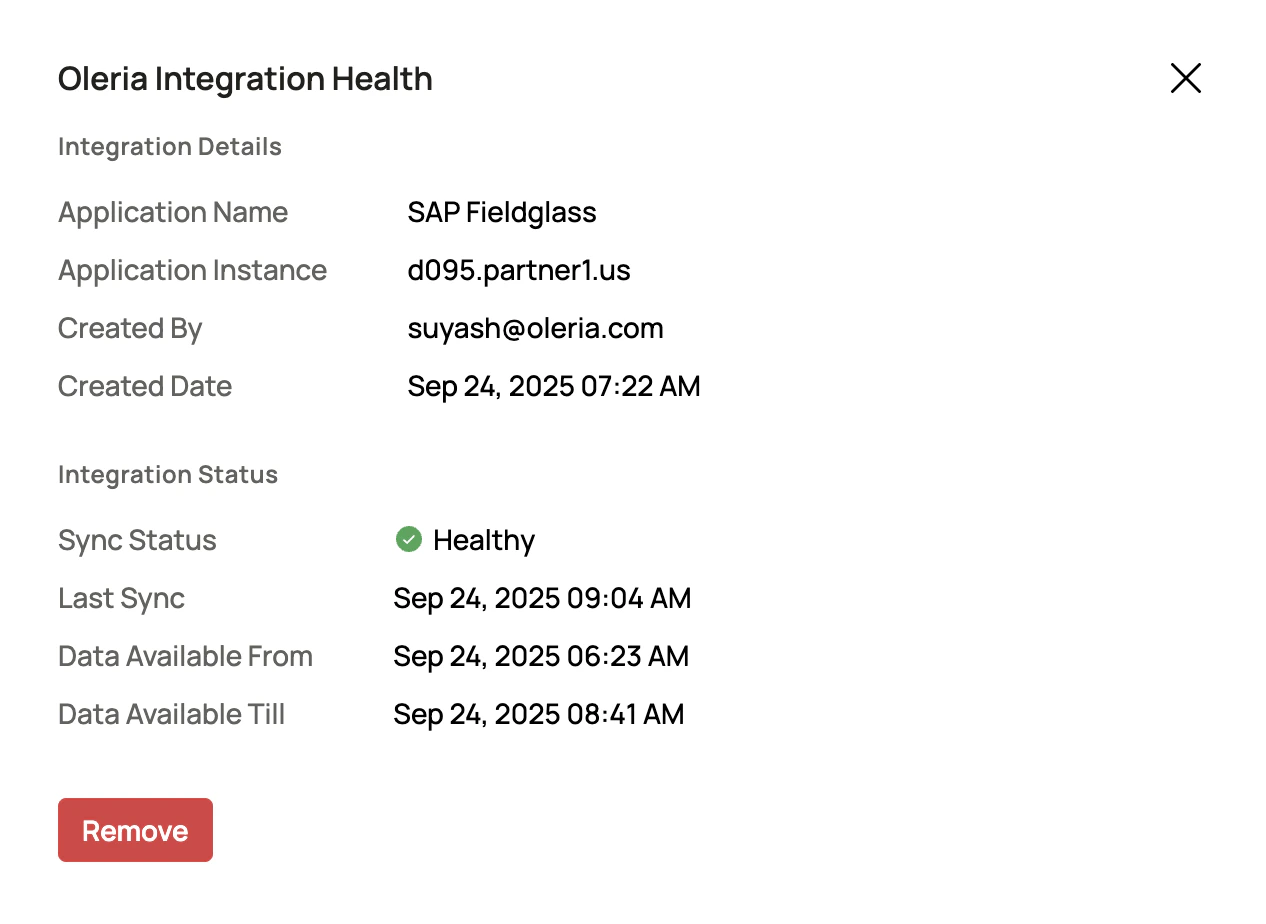

Prerequisites
- Administrator permission on the Oleria workspace
- Fieldglass service account for integration with Oleria (username and password are required to integrate)
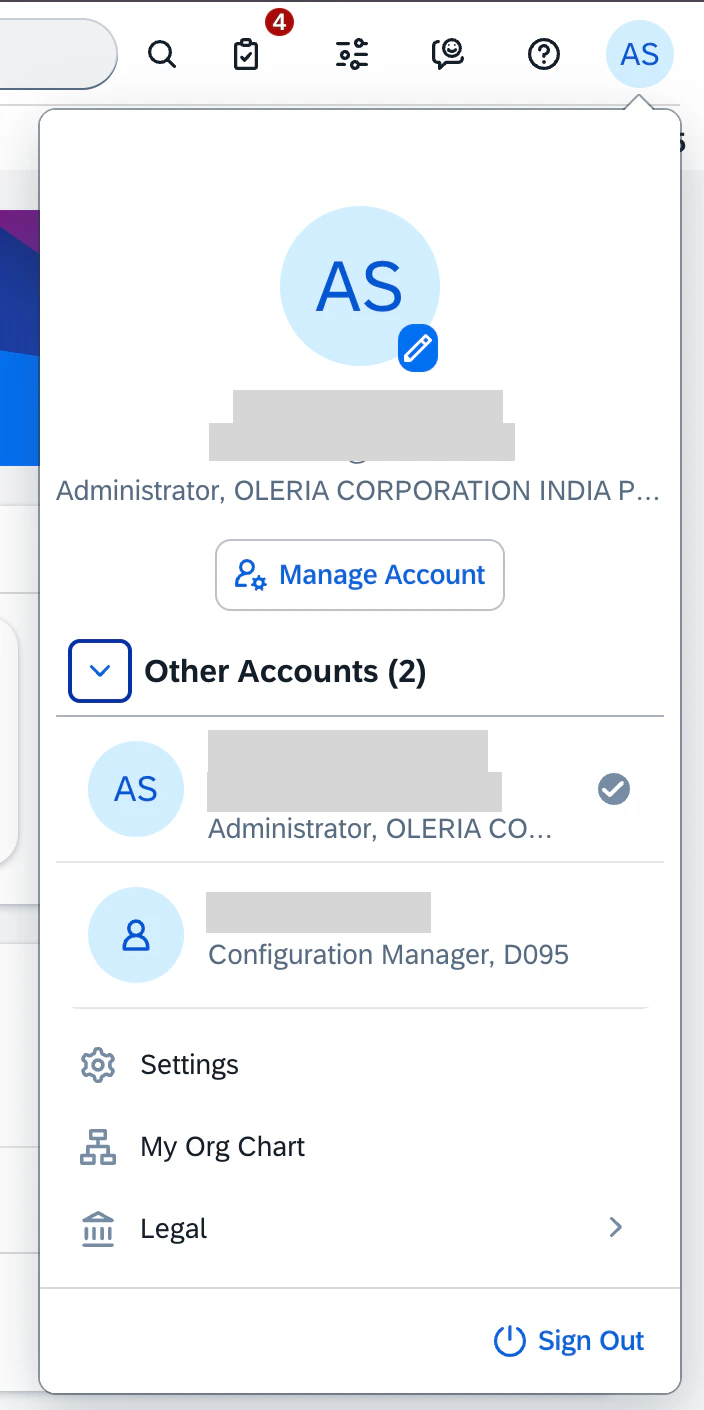
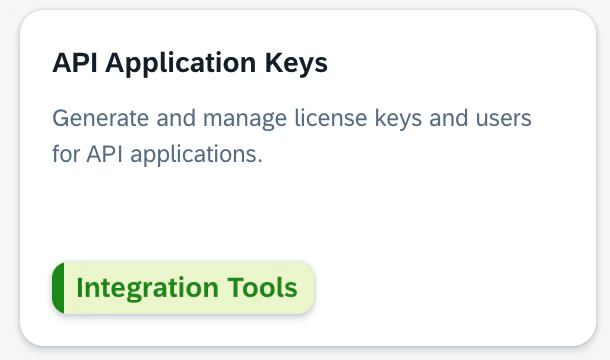
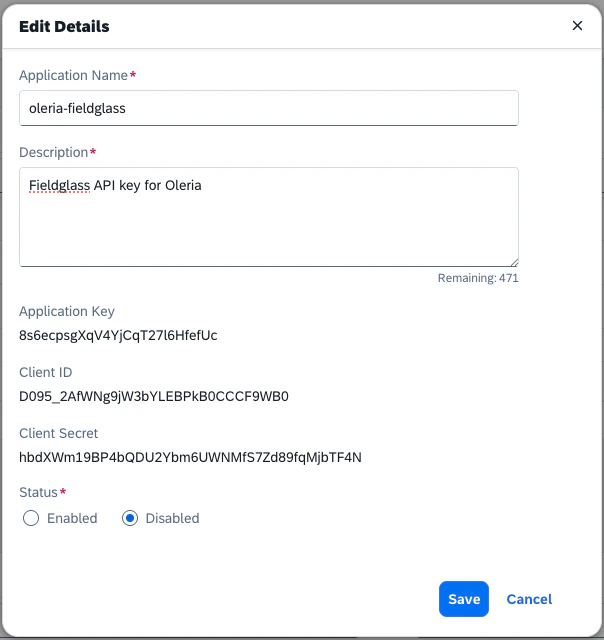
Generate an API Key in Fieldglass
Connect SAP Fieldglass to Oleria
Open the integration
Log in to your Oleria workspace, navigate to Integrations, and select SAP Fieldglass.
Complete the connection form
A side panel opens. Enter the following details: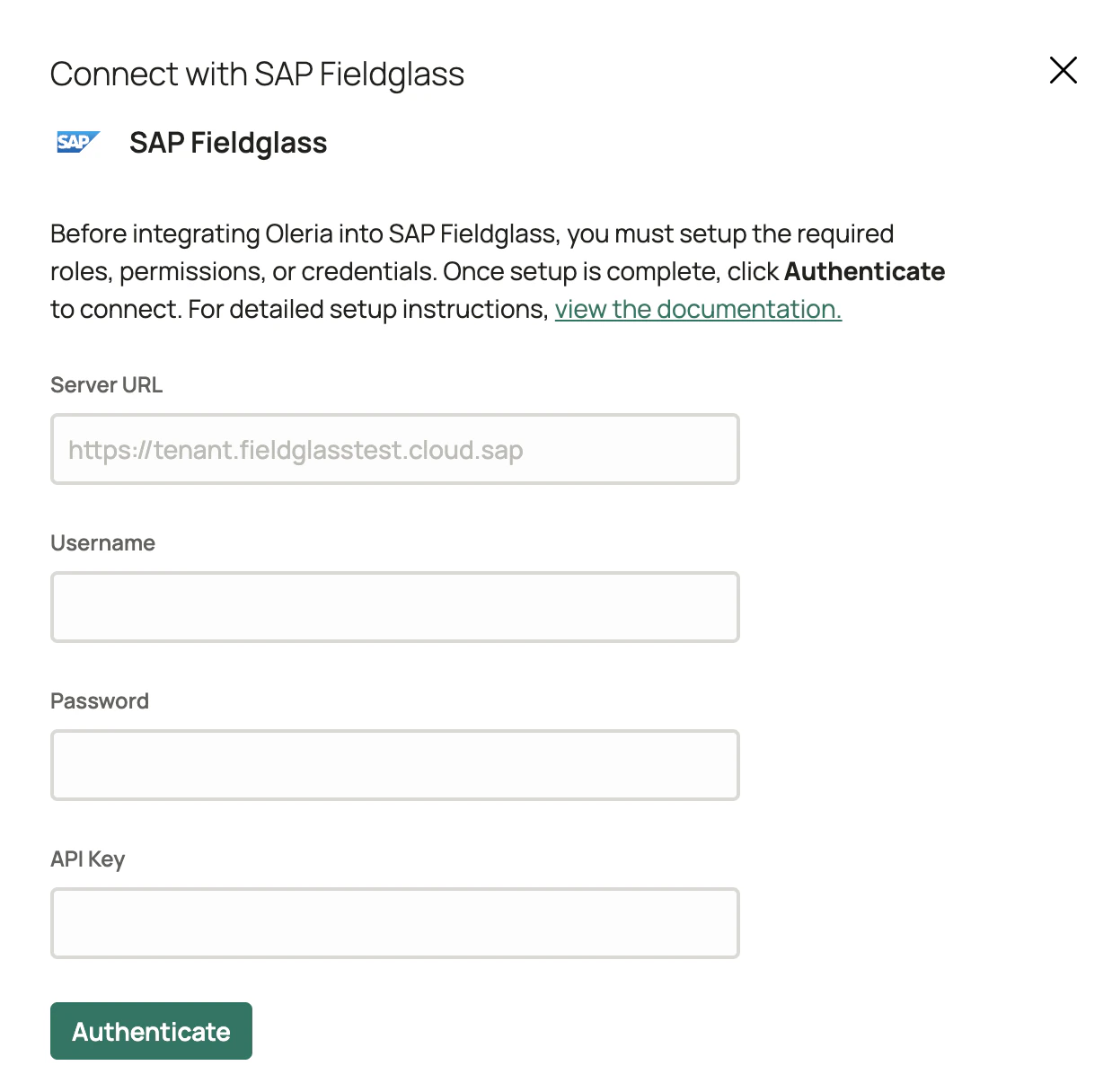
- Server URL - the URL of your Fieldglass instance
- Username and Password - of the user you created for Oleria integration
- API Key - the application key generated in the previous section